How we roll out DlaFerm.pl on your farm — from demo to first flock
No servers to install, no weeks of training. First you look around a sample farm, then a wizard walks you through your own, and you enter your first flock from a photo of a document or a spreadsheet. You pay nothing for 60 days.
verifiedFrom the team that has organised work on poultry farms for years.
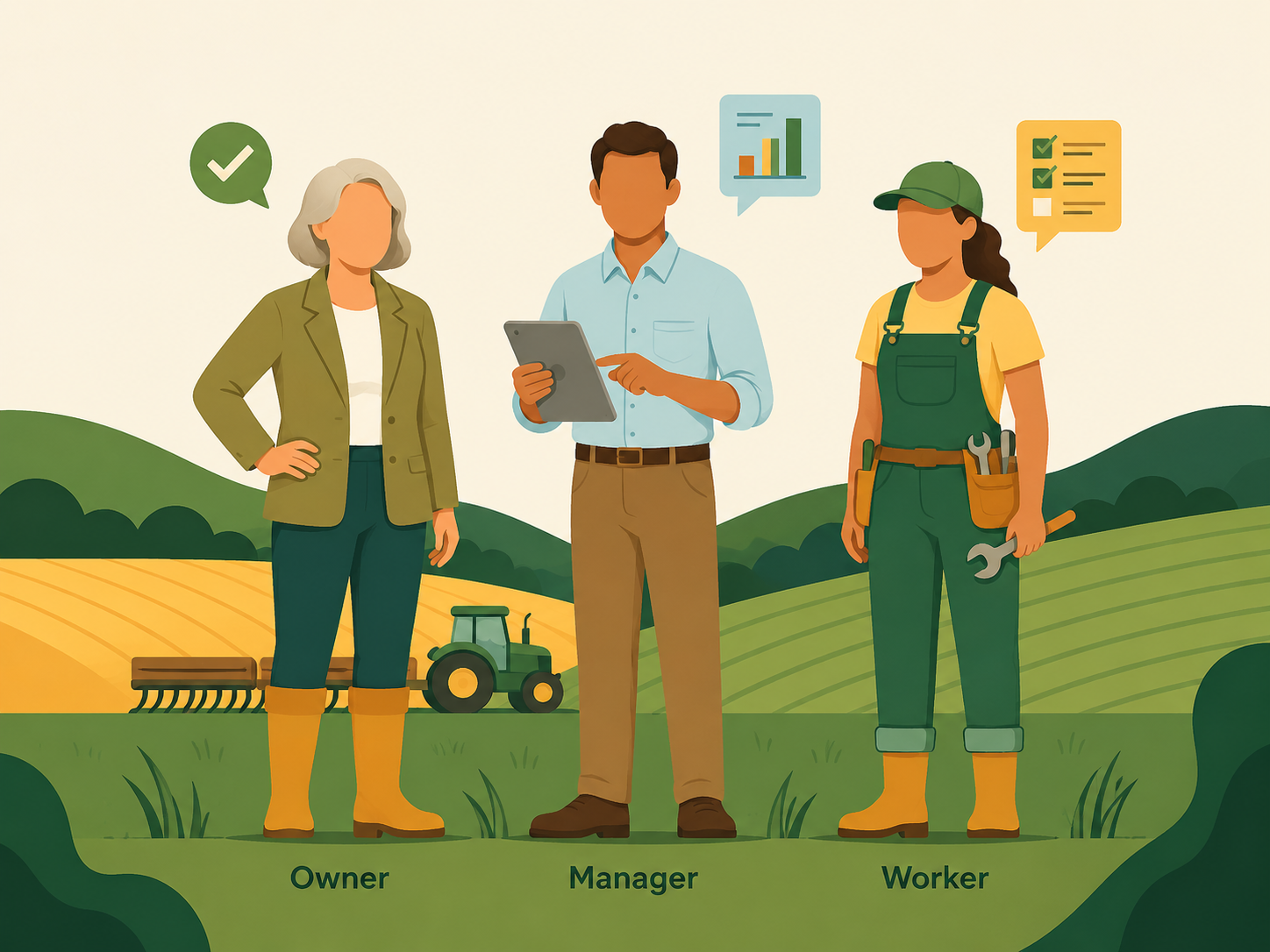
What a DlaFerm.pl rollout looks like
- 1
Try the system in the demo
Start the demo and get your own demonstration farm with sample data: flocks, entries, orders, invoices. Click around freely for 24 hours, then the test data is deleted.
- 2
Create an account
Registration takes a few minutes. Enter your tax number (NIP) and your company details are pulled from the register, so you don’t retype the address. Farmers start right away; service company, feed mill and slaughterhouse accounts are checked before activation.
- 3
The wizard describes your farm
Step by step you enter the farm address, houses, species and varieties, and what workers should log every day. You add partners — hatchery, feed mill, slaughterhouse and service companies — as well as silos and people for the visitor log.
- 4
Enter your first flock
The flock wizard guides you through placement. Have the chick delivery note? Take a photo, upload a PDF or an Excel sheet, or even record a voice note. AI fills in the form; you just check and save.
- 5
Add your team
Invite workers and assign roles. Farm workers install the Android or iOS app and start logging daily entries right away, even in a house with no signal. See how permissions work.
- 6
Work 60 days free
For 60 days you use the system with no fees and no card. You see your usage in the panel. To continue, the company owner saves a card in the settings. Rates are in the price list.
The first two steps take about 15 minutes. Start with the demo or go straight to an account.
Create an accountData you don’t have to retype
At the start, retyping eats most of the time. So wherever possible, the system does it for you.
Company details from NIP
Enter the tax number and the company name and address fill in automatically. You add partner companies the same way.
A flock from a document
A photo, PDF, Excel or CSV sheet, or a voice recording — AI turns it into a completed flock form. The file is not stored; only the result counts.
An order from a message
The same works for service orders. Paste the text or record what needs doing, and the order form fills itself in.
Purchase invoices from KSeF
Once connected to KSeF, supplier invoices are pulled into the system automatically. You don’t type them in.
Sensors and controllers
We connect silos with sensors and climate controllers to DlaFerm.pl, and you assign the readings to houses. Details on the integrations page.
Help at hand
The panel has help articles with screenshots, separately for owners, farmers, workers, vets and accountants. And if something is unclear, you write to us straight from the panel.
What you don’t need to worry about
The most common concerns we hear from farmers before they start.
“I have no time for training”
The wizard holds your hand, and the demo shows a ready-made farm. Most people start by clicking, not by reading manuals.
“My workers won’t manage”
A farm worker sees only their part: flocks and daily entries. The app works in Polish, English and Ukrainian.
“There’s no signal in the house”
The farmer app works offline. Entries are sent automatically once the phone is back online.
“What if I change my mind?”
For 60 days you pay nothing and give no card. Without a card access is limited, but your data is not deleted and you can download it.
Ready for your first flock in DlaFerm.pl? Creating an account takes minutes.
Join DlaFerm.plFrequently asked questions about rolling out DlaFerm.pl
How long does the rollout take?add
You can start the demo straight away. Creating an account takes minutes, and you can finish the farm wizard in an afternoon. Your first flock goes in from a photo of the delivery note.
Do I need to install anything?add
No. The panel runs in a browser. You only download the Android and iOS apps onto the phones you and your workers use.
How is the demo different from an account?add
The demo is a ready-made farm with sample data for 24 hours, after which the test data is deleted. An account is your real farm, which you use free for 60 days.
How do I bring in the data I already have?add
Company details come from your NIP. You enter flocks from a photo, PDF, Excel or CSV sheet, or a recording — AI fills in the form. Purchase invoices arrive automatically from KSeF once your account is connected.
Where can I get help?add
The panel has help articles with screenshots, organised by role. You can also write to us from the panel or through the contact form at the bottom of this page. The DlaFerm.pl team is based in Poland — more about us.
What happens after 60 days?add
Farmers pay per bird placed, service companies 1% of the order value, feed mills per tonne of feed. No minimum fee and no commitment. Details in the price list.
Let’s do it together, DlaFerm.pl
Want to go through the start with us? Write or call — we’ll show you the system on your farm.
Phone
+48 796 258 151