Poultry farm management app vs Excel — honest comparison
Many farmers start with a spreadsheet — and that makes sense. Excel is cheap, flexible and everyone knows it. But questions arise: can anything be automated? Will one formula error break all calculations? We compare both approaches honestly — no hidden agenda.
verifiedFrom the team that has organised work on poultry farms for years.
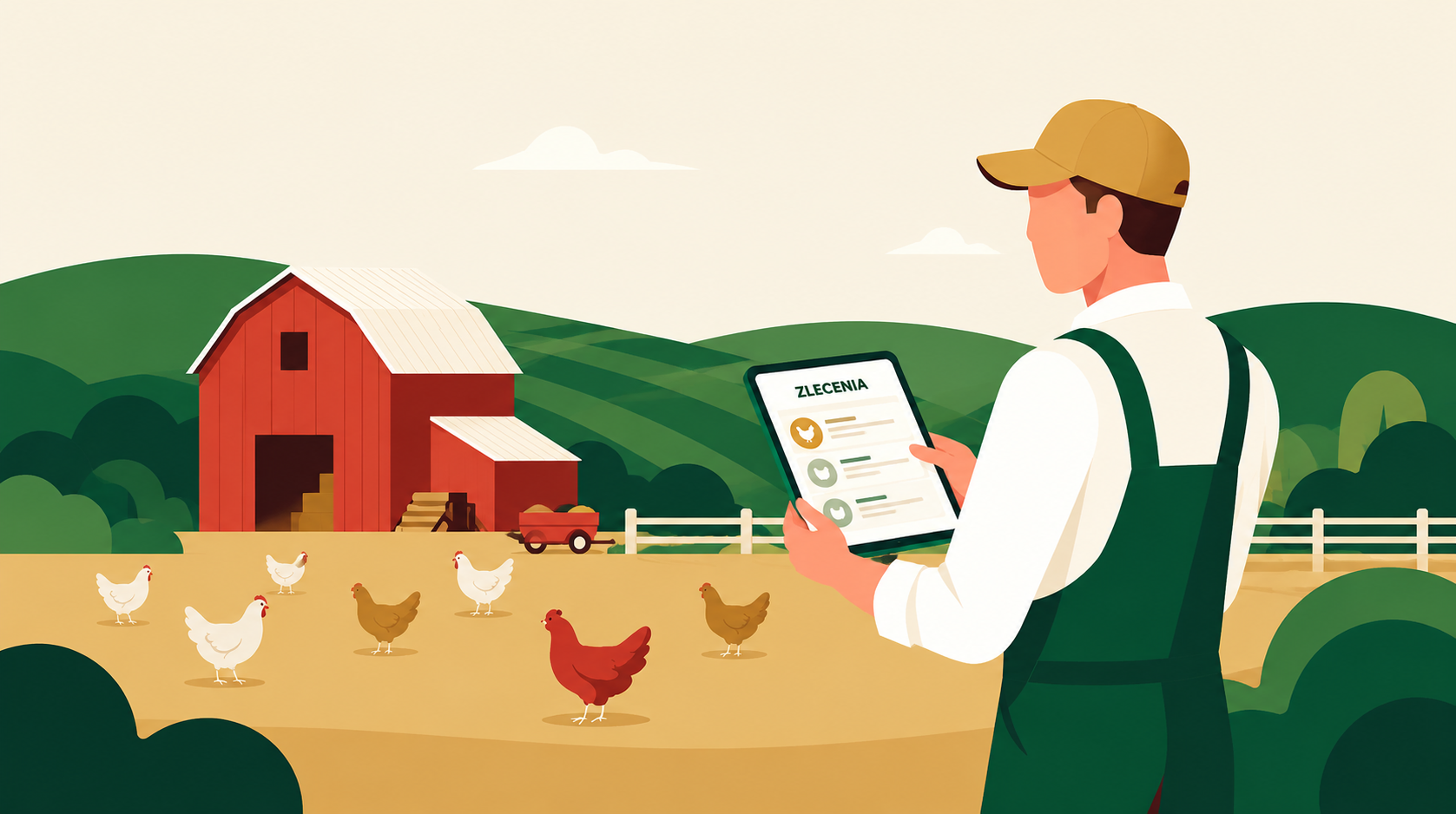
There is no single right answer for everyone. A farm with a few dozen hens and one with tens of thousands of chicks have very different needs. Before you buy anything, it is worth knowing what you genuinely gain and lose with each choice.
Where do the pros and cons in this article come from?
The strengths and pitfalls described here come from day-to-day use of both tools by poultry farmers — not from theory. Excel has real strengths. A dedicated app has limitations too (though different ones). We try to show both sides without spin.
What Excel gives you — strengths and real pitfalls
Excel is a tool most farmers already have and know. Below are six key facts — three strengths and three pitfalls that rarely get mentioned.
Flexible and free (or cheap)
Excel or free Google Sheets can be tailored to your needs without writing a line of code. You can build exactly the table you need — columns, colours, formulas. For many small farms this is enough for years. The entry cost is zero or very low, and the learning curve is gentle because most people already know it from school or work.
Great for one-off calculations and learning
Want to calculate whether changing feed is worthwhile? Check how much water your flock uses per week? For one-off calculations a spreadsheet is excellent. Similarly at the start of farming — when you are learning what is even worth tracking, the flexibility of a spreadsheet is a strength, not a weakness.
Everyone knows it — no training needed
If your employee, sister or son-in-law needs to enter data, they can probably use Excel. You do not need to organise training or buy licences for the whole team. This is a real argument, especially in small family farms.
One formula error breaks everything
This is the biggest pitfall of Excel. One wrongly written formula, one overwritten cell, one dragged row — and the calculation results are wrong but look correct. The spreadsheet does not warn you that something broke. You can work with bad data for months before noticing. In poultry production, incorrect calculations can mean real financial losses.
No data validation — it accepts nonsense
In Excel you can type "12 kg" where a number is expected, a date in the future, a negative feed balance, or a typo in a species name. The file accepts everything. Without specifically built validation rules (which require significant technical knowledge) the data in a spreadsheet easily becomes inconsistent — and inconsistent data means inconsistent reports.
Awkward in the shed and with multiple people at once
Excel on a phone works poorly — small screens, tricky formulas, risk of accidental overwriting. If several people need to enter data, you have to synchronise the file or use Google Sheets (which solves some problems but not all). No alerts, reminders, or change history makes it hard to establish later who entered what and when.
What a dedicated farm app gives you
An app designed specifically for poultry farmers solves the concrete problems of Excel — but it is not a cure-all. Here are six main advantages.
Ready-made fields tailored to farming
Instead of building a form from scratch, you get screens prepared for a farm: flock, species, age, mortality, feed consumption, body weight, house temperature. You do not need to figure out what to track — the app already has it built in. You save time on design and can be sure you have not missed anything important.
Validates data — rejects nonsense
The mortality field accepts only whole numbers. A date cannot go back beyond a permitted range. Species is selected from a list, not typed manually. This is not a restriction — it is protection against errors that silently corrupt results in Excel for months.
Works well on a phone — in the shed
You can stand next to the flock and enter data on the spot. Large buttons, simple screen, fast data entry. No risk of mistakes on a small Excel keyboard. Data goes straight into the system — no later re-typing from a piece of paper to the computer.
Multiple people with different roles working at the same time
Owner, manager, shed worker — each logs into their own account and sees only what they should. Changes are saved with date and author. No file synchronisation problem, no overwriting someone else's work. History is always available.
Automatic reports, metrics and alerts
The app calculates survival rate, average daily gain, feed conversion, and other metrics that you would have to build manually in Excel. It can also send a reminder when a medication withdrawal period is approaching or when temperature goes outside the norm. Excel will not do this on its own.
Connection with sensors, scales and external systems
Dedicated software can receive data directly from temperature and humidity sensors, weighing equipment, or external traceability systems — without manual transcription. Data flows in automatically and you see a real-time chart. For Excel this would require very advanced technical solutions.
When Excel is enough and when an app pays off
The honest answer depends on scale, headcount, and what you want to track. Below are six concrete situations.
Learning, hobby or very small scale — Excel is enough
If you have a few dozen or a few hundred birds, run the farm as a hobby, or are just starting and want to understand what is worth measuring — a spreadsheet is a good starting point. You do not overpay, you learn the logic of farming, and you have full control over what you track.
One-off calculations and analyses — Excel is enough
Want to compare two feed suppliers? Calculate the viability of a genetic line change? Build a pivot table from last cycle's results? For one-off tasks like these, Excel is purpose-built and often does this better than many apps.
Regular production with a team — an app saves time
When you have several employees entering data every day and you want to see current data without making phone calls — Excel starts to be a burden. Synchronising the file, keeping track of versions, checking who entered what — this is time you could spend on something more important.
Large flocks and many cycles per year — an app reduces errors
With tens of thousands of birds and several cycles a year, a formula error in Excel can mean real losses. Miscalculated feed consumption, a missed health alert, or missing data for a veterinary report costs money — not just time. An app with data validation and automatic calculations significantly reduces this risk.
Legal requirements and documentation — an app makes it easier
If you need to keep records for a veterinarian, veterinary inspection, the IRZplus register, or certification requirements — a dedicated app generates the required reports automatically or near-automatically. DlaFerm.pl can even file your flock-change reports to IRZplus for you — optionally, if you want. In Excel, every report has to be built manually from scratch each time.
Integration with sensors and equipment — an app is the only sensible option
If you want data from temperature sensors, weighing systems, or traceability systems to flow into your records automatically — a spreadsheet cannot handle this without very advanced solutions. Here a dedicated app has no competition.
The most common mistakes when choosing a tool
Four situations where farmers regret their decision — in both directions.
Buying an app "to be professional" before knowing what you need
An expensive app bought ahead of need, half of whose features are never used, is wasted money and wasted implementation time. Before you pay, test the free trial period and check whether the app actually solves your specific problem.
Sticking with Excel when your flock, team and requirements have grown
If you already have several employees, multiple houses, and a dozen cycles a year, and you are still synchronising files via USB stick — you are wasting time and risking errors. This is the moment to calculate how much time you spend per month fixing the spreadsheet and compare that to the cost of an app.
Thinking the app eliminates the need to think
An app keeps data tidy and generates reports, but it cannot replace a farmer's knowledge. If you do not know what rising mortality in the third week of a cycle means, the app will not tell you — it will just show a chart. A tool is only as valuable as the knowledge of the person using it.
Ignoring switching costs
Moving data from Excel to an app takes time. The longer you kept data in a spreadsheet, the more work it is. Before you decide to switch, check whether the app allows data import from CSV or Excel — and what happens to your data if you ever cancel your subscription.
Frequently asked questions about choosing between Excel and an app
Is Excel really enough for managing a poultry farm?add
For a small farm, one person, and simple needs — yes, Excel is enough. When the flock grows, several people are involved in data entry, or you need sensor integration or automatic reports — Excel starts to limit you and multiply errors. It is not a matter of prestige but of efficiency and risk.
What are the biggest pitfalls of Excel in farm management?add
Four main ones: (1) one formula error breaks all calculations with no warning, (2) no data validation — nonsense can be entered and the file accepts it, (3) synchronising files with multiple people is cumbersome, (4) no alerts or reminders — you have to remember everything yourself.
Is a farm management app expensive?add
It depends on the solution. Some apps offer a free plan for small farms; others charge a monthly or annual subscription. Worth calculating: how much time you spend each month managing the spreadsheet and fixing errors, and comparing that to the cost of an app. For larger farms the maths often favours the app.
Can I transfer data from Excel to an app?add
In most cases yes — a good farm app allows import from a CSV file that you can export from Excel. It is worth checking this before purchase, as import scope varies. Also ask what happens to your data if you decide to cancel your subscription.
Will an app replace my vet or adviser?add
No. An app collects and displays data, calculates metrics, and reminds you of deadlines — but it does not interpret results for you. If the mortality rate is rising, the app will show that, but what to do next is still your decision, best made with a vet or animal nutritionist.
How do I choose a good poultry farm app?add
Check several things: does the app work well on a phone (you will use it in the shed), does it validate data (prevents errors), does it connect with the tools you use (sensors, scales, traceability systems), does it generate the reports you need (veterinary documentation, invoicing), and does it offer technical support. More tips in the guide on how to choose farm software.
Try DlaFerm.pl — no credit card required
Want to see how a dedicated farm app works in practice? Create a free account and test it before you decide. Or write to us — we are happy to answer questions.
Phone
+48 796 258 151