Data migration and support — you're not left alone with the system
We move your flock history from paper and Excel together with you. AI fills in a new flock or work order from a photo, PDF, xlsx/csv file or voice recording. And after launch we answer your questions — in the first cycle and every one after.
verifiedDel equipo que lleva años organizando el trabajo en granjas avícolas.
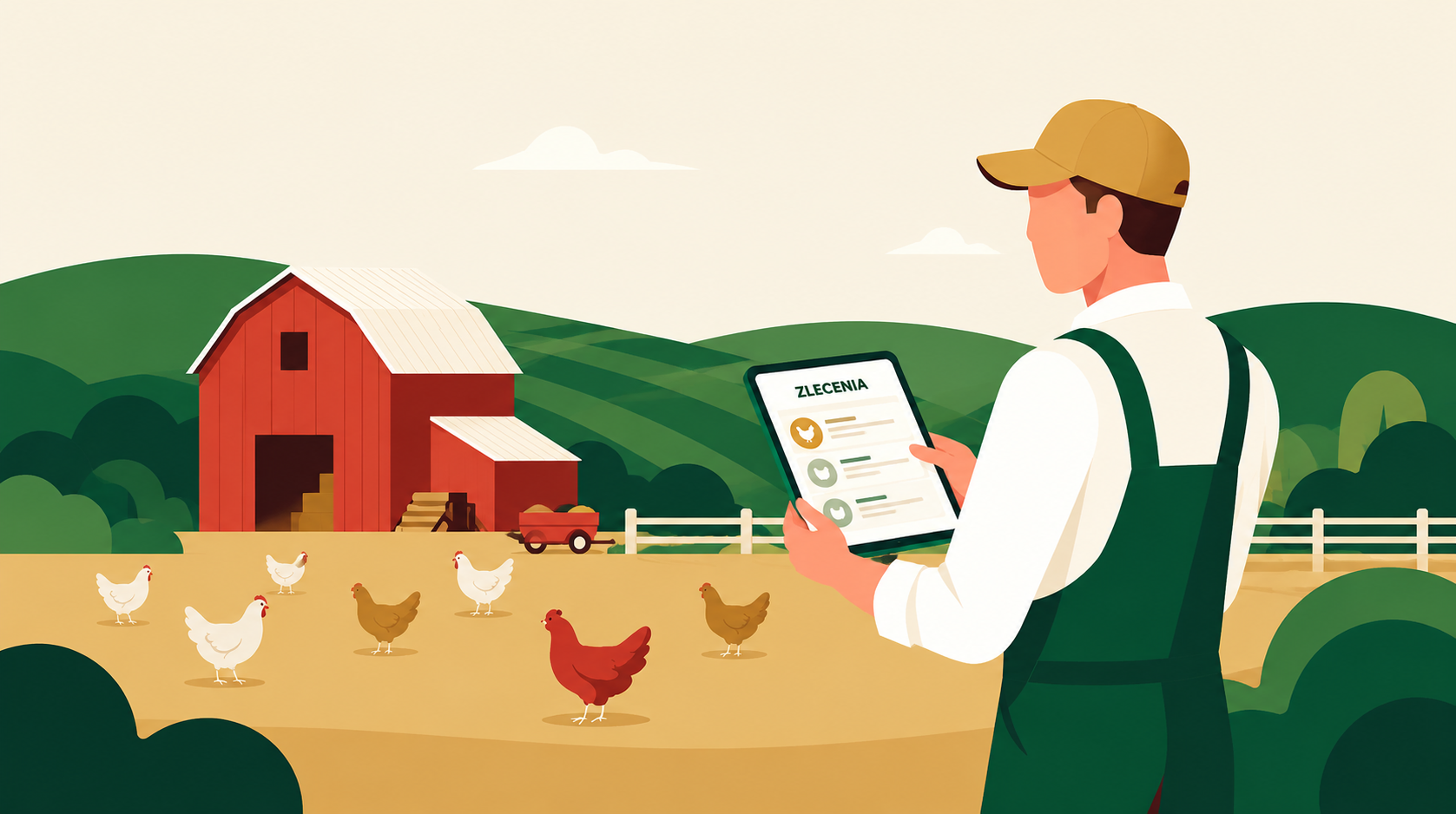
We know that changing how you manage farm records is a decision that takes time. Registration, farm setup and inviting your team are covered separately — see how the start works step by step. This page is about what happens to your data and how we help once the system is running.
Your data stays yours
Everything you enter into the system — flock history, contacts, documents — belongs to you. You can export your data at any time. We don't lock you into our platform.
You're not on your own after launch
Implementation is not the end of our role. When you start your first cycle, you can count on our help: we'll answer questions, help you work through any uncertainty, and make sure the system works the way you need it to.
Data migration to DlaFerm.pl — step by step
- 1
Tell us what data you have
A spreadsheet, notebooks, printouts, an old program — you tell us what you have and in what form. Together we decide which data is worth moving and which can stay in the archive.
- 2
AI enters the new flock
You don't retype current data by hand. AI fills in a new flock or work order for you from a photo of a document, a PDF, an xlsx/csv sheet or a voice recording — you just check and save.
- 3
We move the history together
Historical data from previous cycles we move together with you: we prepare instructions or go through the data with you. You don't have to do it straight away — start with the current cycle and fill in the history gradually.
- 4
Your data in one place
After migration the flock history sits next to the current cycle. You compare results across placements without digging through notebooks and files. Workers log observations in the worker app, so data keeps flowing in.
- 5
Run your first cycle with our support
When you start your first cycle, the data you need is already in the system. You log observations, fill in the Digital Flock Record, and track results in real time. If anything is unclear — just message us and we'll respond.
What we migrate and from where
You don't need to start from scratch. Your historical data has value — we'll help you bring it into the system.
Flock history, contacts and documents
We migrate data from previous cycles: placements, mortality, production results, supplier and buyer details. If you have documents in PDF files or scans, you can attach them to the relevant cycles or flocks.
From Excel, paper and other formats
Data can be in many formats — a spreadsheet, a notebook, an old database. We move the history together with you, and AI fills in a new flock from a photo, PDF, xlsx/csv file or voice — so you don't retype everything from scratch.
Your data stays yours
The data you enter into DlaFerm.pl belongs to you. You can export it at any time. We don't lock access to your own information — it's your farm and your data.
Support after the system goes live
Implementation is just the beginning. Once you're up and running, you're not on your own.
Help during your first cycle
The first cycle after implementation is when questions arise: how to record a specific event, how to read a report, how to add a new placement. We're available to answer those questions and make sure the system works the way you need it to.
Direct contact with the team
You can reach us via form or email. We aim to respond promptly. We're not an anonymous helpline — you're talking to people who know the system and understand the realities of running a poultry farm.
Materials and guides
The system includes built-in hints and feature descriptions. We also prepare training materials for farmers and their teams so that everyone can use the features available to them with confidence.
Frequently asked questions about data migration and support
How long does moving data to DlaFerm.pl take?add
It depends on the size of your farm and how much historical data you want to migrate. Setting up your account and configuring the poultry houses takes an afternoon — see how the start works step by step. Migrating historical data from Excel or paper may take longer — but you don't have to do it all at once. You can start with the current cycle and fill in the history gradually.
Will you help me migrate my data from Excel?add
Yes, we help with data migration. Do you have a spreadsheet with flock history, mortality and production results? We'll prepare instructions or move the data together with you. A new flock or work order you can add straight away with AI — from an xlsx/csv file, PDF, photo or voice. Contact us and we'll work out what to migrate and how.
Do I need to be good with computers?add
You don't need to be an expert. DlaFerm.pl is designed to be straightforward to use — both on a computer and on a phone. If you can use Excel or a smartphone, you'll manage our system fine. And if anything is unclear, we're here to help.
Will I get support after launch?add
Yes. Implementation is not the end of our role. When you start your first cycle, you can count on our help — we'll answer questions, help you work through any uncertainty, and make sure the system works the way you need it to. You can reach us via form or email.
How much does implementation cost?add
Registration and basic access are free. Costs depend on the plan you choose and the size of your farm — you'll find the details on our pricing page. If you have questions about pricing for your farm, contact us and we'll put together an offer tailored to your needs.
We'll help you move your data
Do you have questions about data migration or want to move your flock history from Excel? Contact us or create a free farm account and try the system with no commitment.
Teléfono
+48 796 258 151